How to Take Online Bookings for Martial Arts Classes
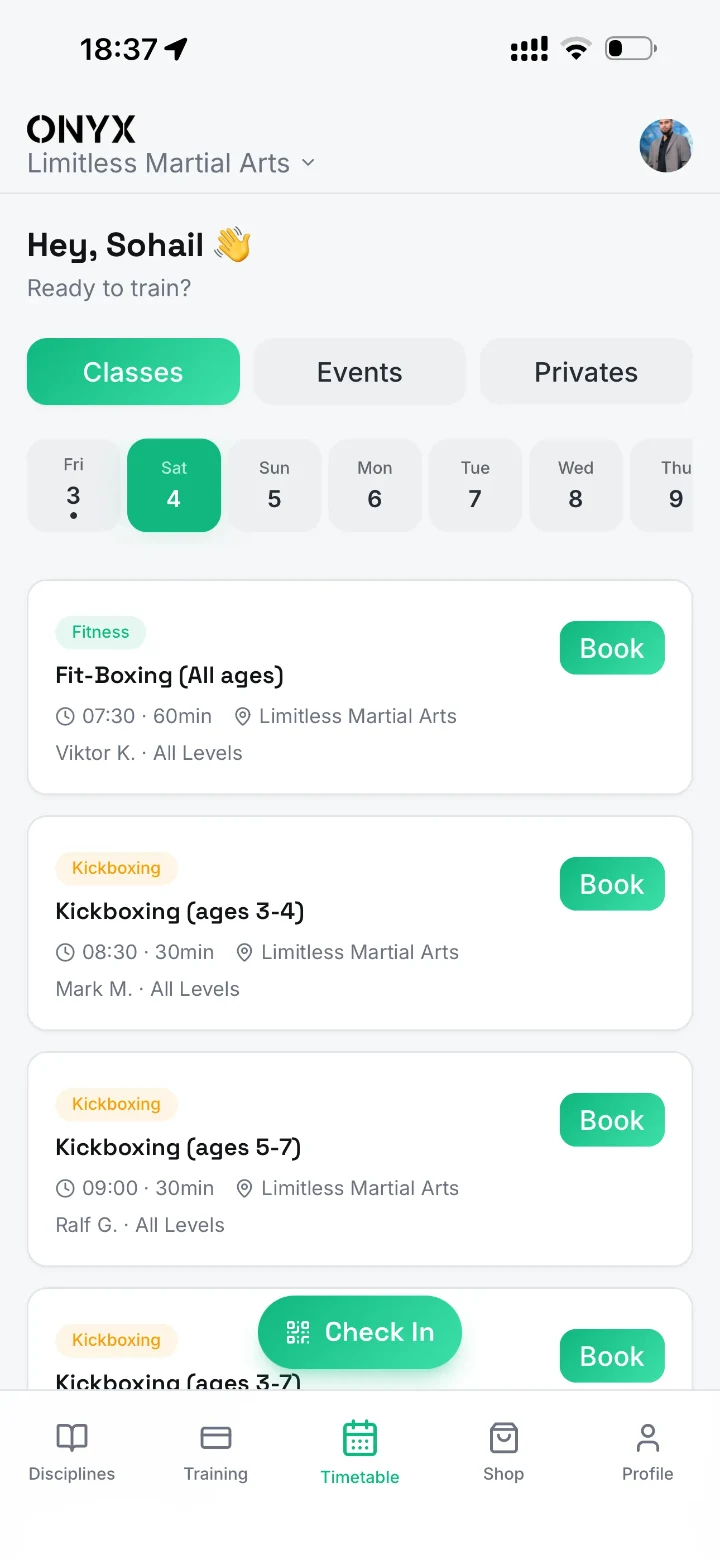
Publish who each martial arts class is for, then add an online booking link or embed to your existing website. Set eligibility, capacity and cancellation rules first. Test it on a phone from the class page through to confirmation and the coach's register.
Set booking rules before adding the calendar
List the age group, level, venue, price and eligible plans for each session. Add a first-visit route if newcomers should not book directly into a members-only class. Decide whether full sessions accept a waitlist, what the cancellation deadline is and who can make exceptions. Use plain language for the person doing the booking.
- Recurring classes: confirm which plans can book and when places open.
- Trials: show a beginner-appropriate class, the location and anything they should bring.
- Events and privates: show the specific price, date, capacity and cancellation terms.
Keep useful information outside the embed
Keep age groups, class details, venue and first-visit instructions as normal text on the club website. A booking embed is for completing the booking, not the only place to learn about the class. Put a direct booking link beside an embedded timetable so the flow still works if the embed is slow or blocked. Give an iframe a descriptive title and enough room for its controls.
Run a phone-to-register acceptance test
- Open the class page on a phone over mobile data, not just on the club's Wi-Fi.
- Book a trial, a regular member place and a session that's already full.
- Check the confirmation includes the right venue and time. Cancel a place and confirm the capacity changes.
- Ask a coach to open the register and mark a real arrival in a test session.
Common questions
Do I have to replace my website to take online bookings?
No. A supported link or embed often works on your current site. Test both the booking page and how visitors get to it.
Should a trial visitor need an app?
If possible, let someone book their first session on the web. Show the app when it helps them manage training after joining.
Related guides
- How to Run Martial Arts Trial Classes: Before, During and After
- Martial Arts Website SEO: A Local Search and Trial Booking Guide